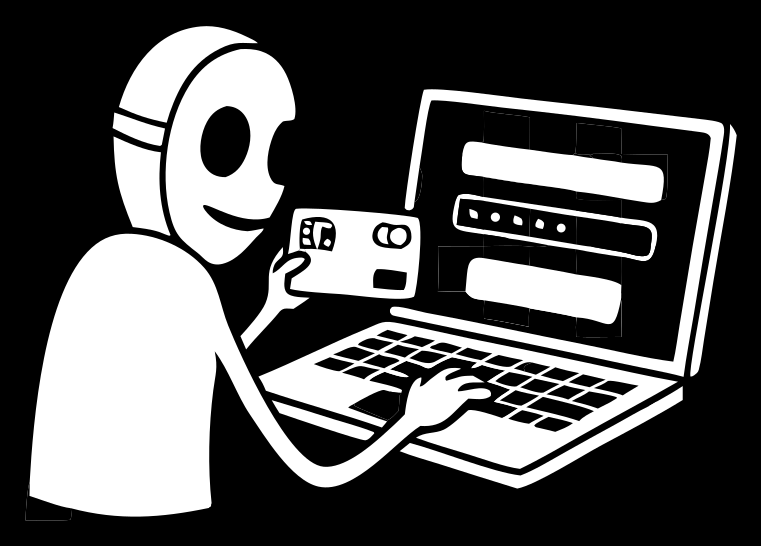
This page describes the standard subscriptions card issued without KYC. The separate Apple Pay / Google Pay wallet card normally requires KYC and is capability-gated; invite-only VIP no-KYC wallet access is not a public offer. Telegram Stars and restricted internal-product balance cannot fund card issue or top-up. Merchant acceptance is not guaranteed and depends on each service's current anti-fraud rules.
Why a virtual card
A virtual card gives you a separate set of details — number, expiry and CVC — for online payments, so your main bank card never touches unfamiliar sites. Fund it from your account balance, spend only what's on it, and keep a clean line between your everyday money and your online subscriptions. For people who hold crypto, it's a way to spend USDT online like cash, without off-ramping to a bank first.
Typical jobs it does:
- subscriptions — Netflix, Spotify, YouTube Premium, ChatGPT, Adobe;
- app stores and game purchases;
- one-off payments on sites you'd rather not hand your main card;
- hosting, domains, ad accounts and other online services.
Two cards for two jobs
Freeland has two separate card programs — don't mix them up.
1. Virtual card without KYC
For online payments — subscriptions and one-off purchases alike. No passport, no verification, issued right away.
2. Apple Pay / Google Pay card
A separate card you can add to Apple Pay or Google Pay for contactless payments where supported. This one goes through verification.
Pricing
Virtual card without KYC:
- issue — 10 USDT;
- first top-up — from 25 USDT (this lands on the card balance);
- topping up an existing card — 2%;
- fee on a successful payment — 3%.
No monthly subscription fee — you pay only to issue and to top up.
How it works
You top up your account balance any way you like — USDT from the unrestricted wallet or another eligible source shown by the app — and the card is issued and funded from that balance. Once funded, its details (number, expiry, CVC) are in the app: enter them at checkout or attach the card to a service, like any other.
How to issue one
- Create an account — via Telegram, email or a crypto wallet.
- Top up your balance any way that suits you — an eligible card-funding source shown by the app.
- Issue the virtual card without KYC.
- Pay — enter the details at checkout or attach the card to a subscription.
Who it's for
- People paying for subscriptions — from streaming to AI tools.
- Crypto holders who want a crypto-funded virtual card to spend online.
- Gamers paying on Steam and game stores.
- Anyone who values privacy and wants a card without KYC, with honest limits.
Freeland is more than Card
It's one of four tools in the toolkit. In the same account:
- Freeland VPN — unlimited, privacy-focused VPN.
- Freeland eSIM — mobile data abroad without a contract or plastic SIM.
- Freeland Number — a virtual number to receive SMS and verify accounts.
One account. Four tools. In the name of freedom.
FAQ
Do I need a passport to issue a card?
No. The virtual card without KYC needs no passport — you can use it for both subscriptions and one-off online purchases.
How is the card funded?
You top up your account balance any way you like — USDT from the unrestricted wallet or another eligible source shown by the app — and the card is funded from it.
Can I pay Netflix, Spotify or ChatGPT?
It is designed for subscriptions, but acceptance depends on the merchant and its current anti-fraud rules.
How much does it cost?
Issue — 10 USDT, first top-up — from 25 USDT (lands on the balance). After that, a 2% top-up fee and 3% on each payment. No monthly fee.
Does it work on every site?
On most, but no card clears absolutely everywhere — some sites run their own anti-fraud checks. A stable card details set is accepted far more often than not.
Is this the Mr Freeman project?
Yes. Freeland is a project by Mr Freeman, and the card is part of his toolkit for digital freedom.
Freeland Card — a crypto-funded virtual card for subscriptions and online payments, no KYC, issued online in minutes.